

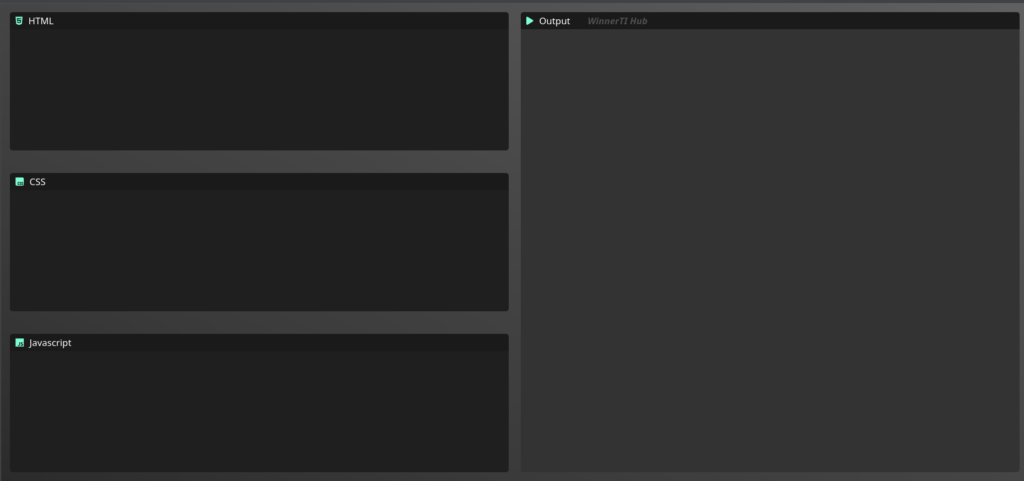
A lightweight, browser-based development environment ( codesync editor ) that allows users to write and preview HTML, CSS, and JavaScript in real-time. Designed for rapid prototyping, this editor provides an instant feedback loop by rendering code changes immediately without a page refresh.
Purpose of CodeSync Editor Project
I built this project to deepen my understanding of the <iframe> API and the synchronization between text input and browser rendering. The goal was to create a distraction-free environment for web developers to test small snippets of code on the fly.
⚒️Tech Stack
- Frontend: HTML5, CSS3 (Flexbox/Grid for layout).
- Logic: Vanilla JavaScript (ES6+).
- Rendering Engine: HTML
<iframe>with Blob URLs for sandboxed execution.
Key Features
Live Preview: Automatic updates to the preview window as you type.
Multi-Pane Layout: Independent editors for HTML, CSS, and JS.
Responsive Design: Optimized for both widescreen monitors and tablets.
Technical Challenges & Solutions
The Problem: How to make the JavaScript run without breaking the main editor page?
The Solution: I used an <iframe> and dynamically injected the code using the srcdoc attribute. This creates a “sandbox” so the user’s code doesn’t interfere with the actual application logic.
The Problem: Performance lag when typing quickly.
The Solution: (If you used it) Implemented a Debounce function to ensure the preview only updates after the user stops typing for 300ms, saving CPU resources.