

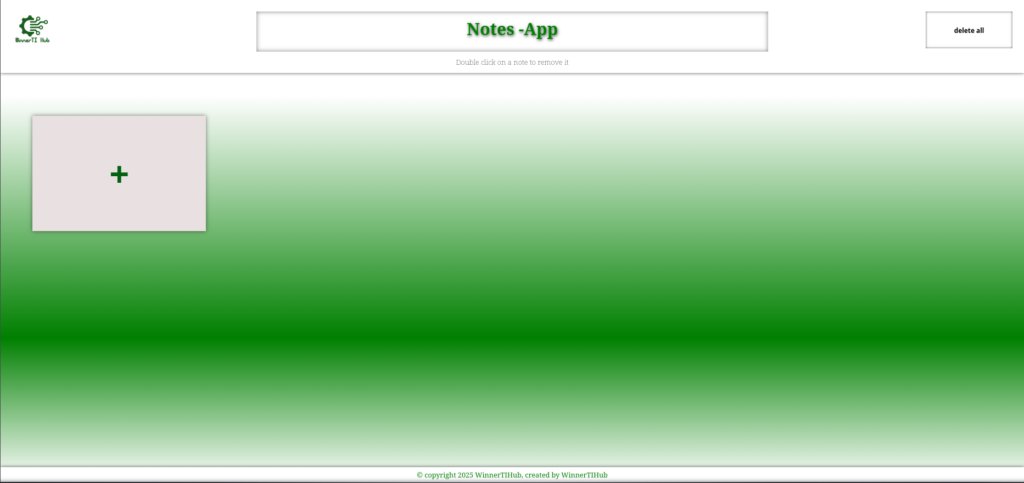
( A clean distraction free space for your thoughts – ZenNotes )
A streamlined, browser-based note-taking application that prioritizes speed and simplicity. It allows users to capture ideas instantly and ensures their data is never lost, even if they close their browser or restart their computer, thanks to persistent local storage.
Purpose of ZenNotes Project
I built this to master the LocalStorage API and complex event delegation in Vanilla JavaScript. The project focuses on creating a “Zero-Latency” user experience where adding and deleting data feels instantaneous.
⚒️Tech Stack
- Structure: Semantic HTML5 (using
<main>,<section>, and<article>). - Styling: CSS3 (Flexbox for the note grid, transitions for smooth deletions).
- Logic: Vanilla JavaScript (ES6+).
- Storage: Browser
localStorageAPI.
Key Features
Persistent Memory: Every note is automatically synced to the browser’s storage.
Dynamic UI: Notes are generated and removed from the DOM dynamically without page reloads.
Technical Challenges & Solutions
The Problem: JavaScript objects can’t be stored directly in localStorage (it only accepts strings).
The Solution: I implemented JSON Serialization. I used JSON.stringify() to “flatten” my note objects into strings for storage and JSON.parse() to “revive” them back into objects when the page loads.
The Problem: Deleting the correct note when multiple notes look the same.
The Solution: I assigned a Unique ID (using Date.now()) to every note. When a user clicks delete, the script finds the specific ID in the array, removes it, and updates the storage.